OBD Tracker - ELM327 Terminal
OBD Tracker - ELM327 Terminal Appanmeldelser
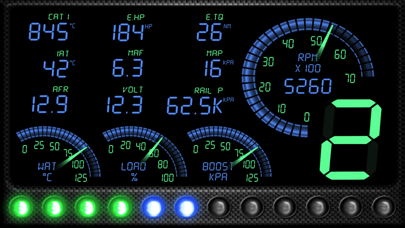
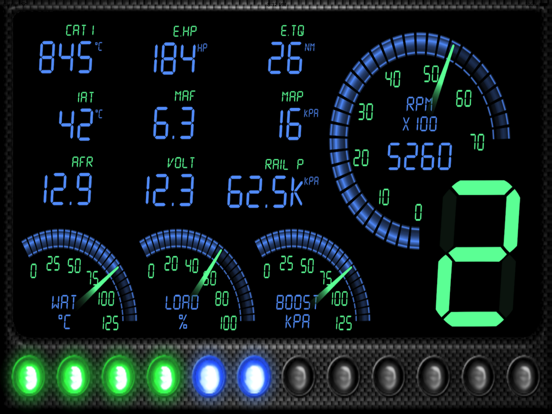
Hva er OBD Tracker - ELM327 Terminal-appen? The ELM module(s) supported are network to serial interfaces that use wifi to communicate. This app communicates with an ELM OBDII (OBD2) car interface device.
The Ultimate Step-by Step Guide:
◆ Get the right OBD 2 reader or scan tool, whichever suits your car. This is done by checking on the compatibility and the relevant tool.
◆ Locating where the OBD 2 port is.
◆ Powering the car engine on for the case ease of making the system work.
◆ Plug in the pins of the OBD2 connector to the areas of relevance within the OBD 2 port.
◆ Enable the OBD 2 to start reading.
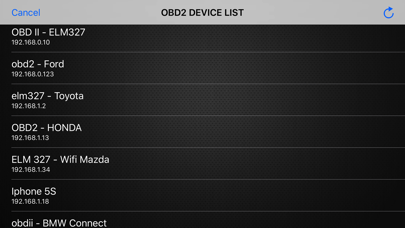
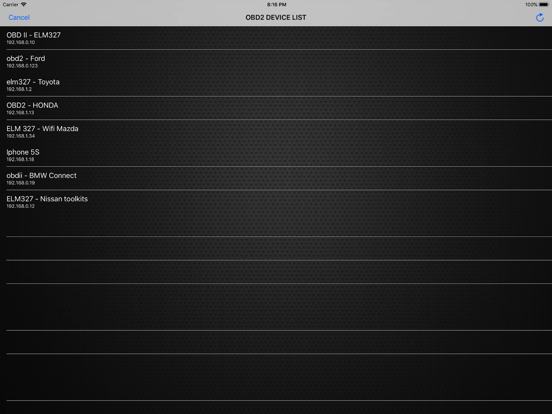
◆ Open app, click "SCAN" - and select correct OBD2 device in list.
(default is 192.168.0.10 / 192.168.0.123)
You have any questions or concerns? Feel free to contact us.
We're always here to help.

OBD Tracker - ELM327 Terminal Kommentarer 2026
| Appens Navn | OBD Tracker - ELM327 Terminal |
| Kategori | Reise |
| Utvikler | SMART Technologies GmBH |
| Publisert | 05 December 2017, Tuesday |
| Oppdatert | 05 December 2017, Tuesday |
| Filstørrelse | 20.92 MB |
😍 Elsker du appen OBD Tracker - ELM327 Terminal? Del med vennene dine!


OBD Tracker - ELM327 Terminal 2.9.11 Tips, Triks, Jukser og Regler
Vennligst vent! OBD Tracker - ELM327 Terminal app kommentarer laster inn...
OBD Tracker - ELM327 Terminal 2.9.11 App Skjermbilder og Bilder
OBD Tracker - ELM327 Terminal (versjon 2.9.11) Installasjon og Nedlasting
| Språk | Norsk |
| Pris | 59 NOK |
| Voksenvurdering | 4+ år og eldre |
| Siste Versjon | 2.9.11 |
| Play Store | com.smart.1 |
| Kompatibilitet | IOS 8.0 eller nyere |


