SimpleXborder App Reviews

SCORE
0
TOTAL RATINGS
16

SimpleXborder App Description & Overview

SimpleXborder, powered by Itembase, allows you to manage your cross border shipping a parcel in just a couple of clicks. Connect all your shops, edit your orders, then connect your FedEx International Connect Account and find the best FedEx International Connect shipping options at the best price.

Major features in SimpleXborder include:

[ Plug and Play ]

Forget loading orders manually. Connect your shops in a couple of clicks so that your orders load onto your SimpleXborder dashboard automatically. Straight forward connection, no professional knowledge required.

[ Fully integrated ]

You will be able to view and edit your orders from your customer area before shipping.

[ Connect your Carrier Contract ]

Connect your Contract with FedEx International Connect and avoid having to spend time integrating with the Carrier APIs yourself.

[ Best suppliers ]

SimpleXborder enables you to select the best FedEx International Connect shipping options both for domestic shipments and international shipments so that you can ship the simplest way at the best price.

[ Simple Setup ]

Connect your Shopify store and sign up / log in to SimpleXborder and complete your setup.

  1. Register a Carrier Contract with FedEx International Connect. Please note that carrier contracts pend review and approval by FedEx.
  2. Upload your Shipping Rate to print shipping labels. Please note that the rate card submission process, requires an approval and action from SimpleXborder. Rate Cards uploaded by customer are reviewed, approved before being uploaded into the system by SimpleXborder.
  3. Setting up a Packing List Template: These are standard templates SimpleXborder will use to ship your incoming orders.
  4. Setting up a Default Pickup Address: This is the address where shipments will be picked up by your Shipping Provider.
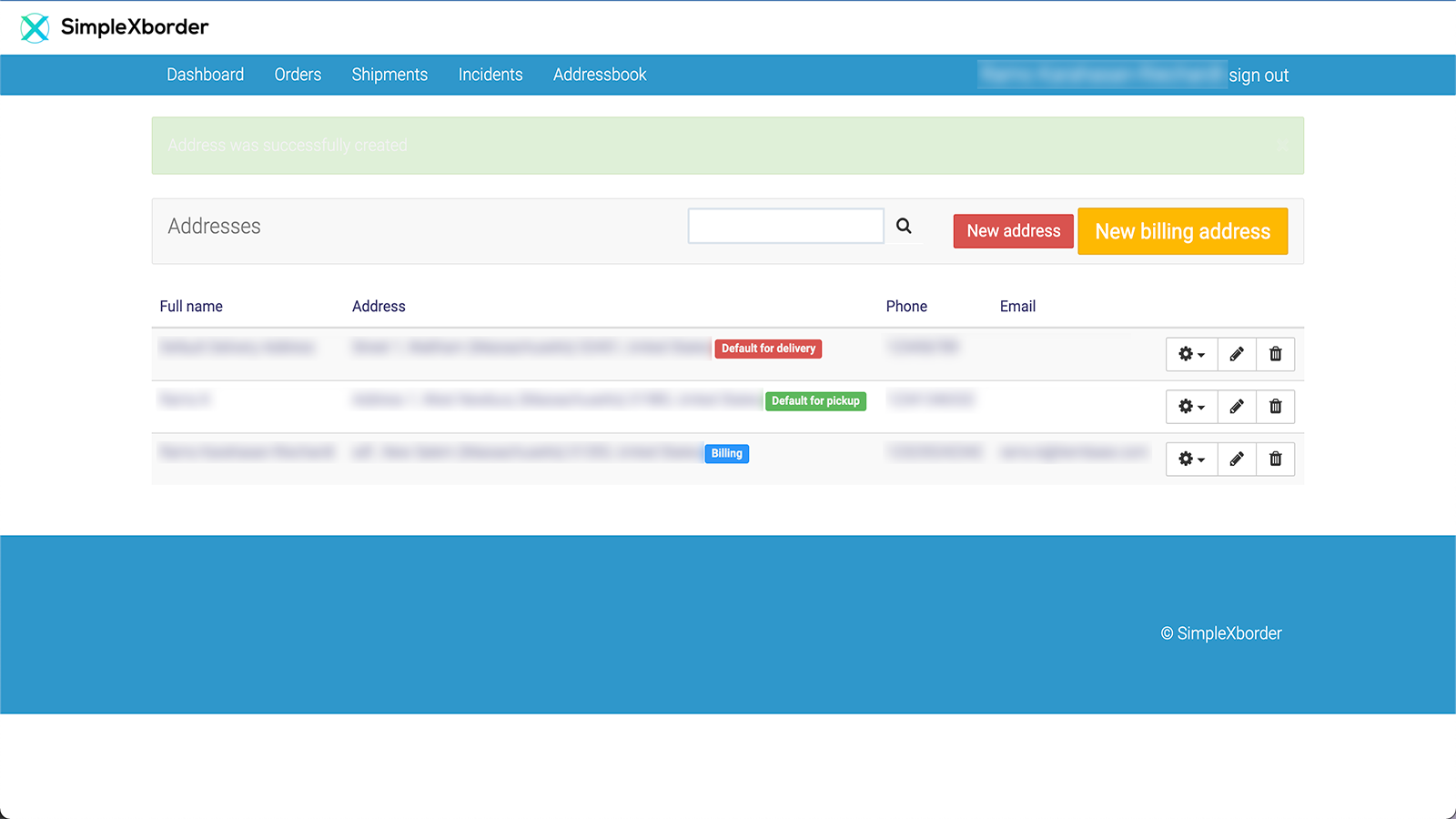
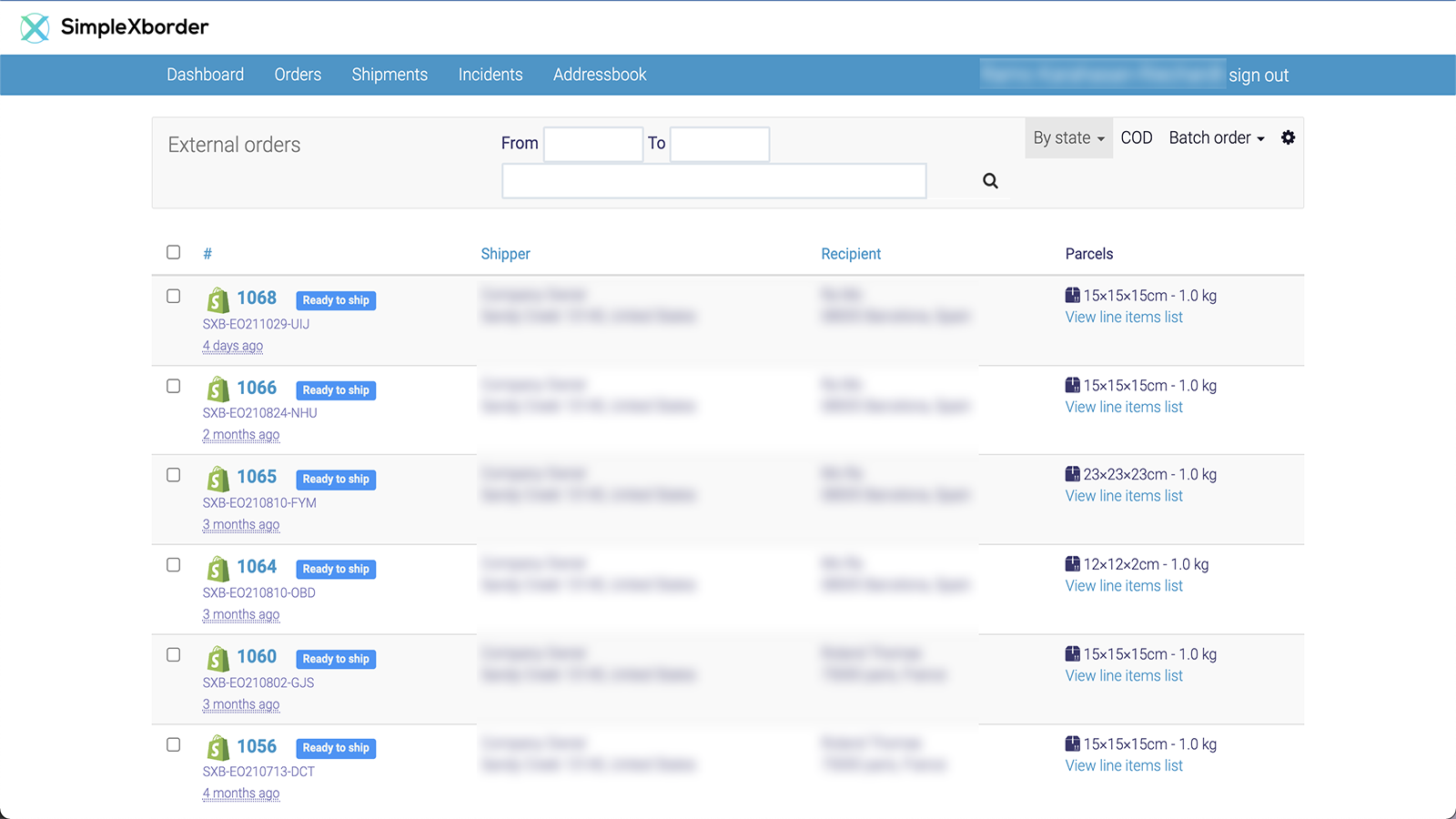
  5. New orders on your Shopify store will be displayed on the “Orders” section of your SimpleXborder dashboard and 'Ready to Ship' orders can be processed.
  6. Review your order information and confirm your selection.
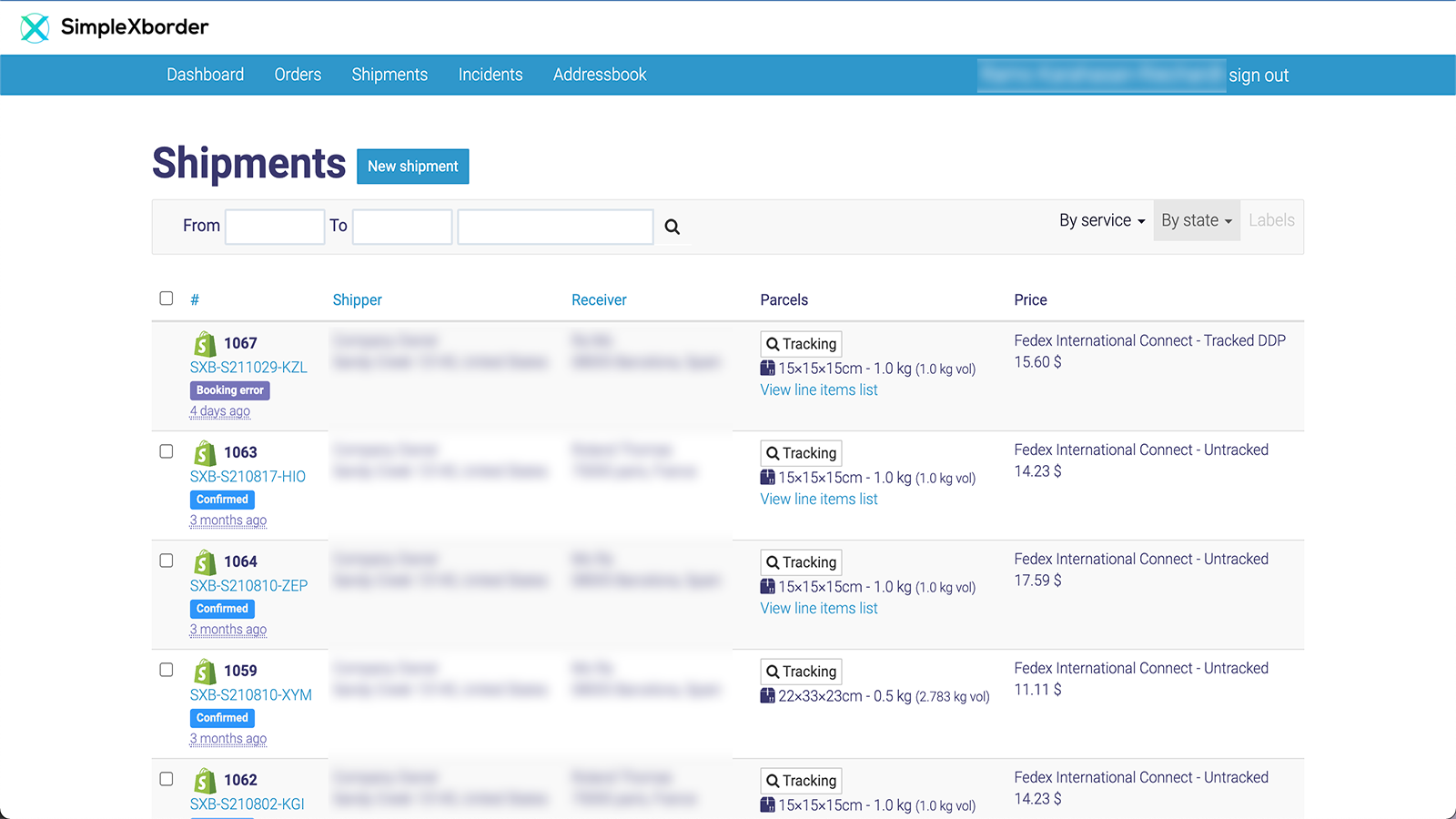
  7. See all order details, download and print your shipping label from the "Shipments" section of your SimpleXborder dashboard.

👏 Do you love simplexborder shopify app? Please share your friends!

whatsapp telegram facebook twitter pinterest email share
App Name SimpleXborder
App Category Orders And Shipping
Published
App Price Free to install. External charges may apply.
Support E-Mail [email protected]
App Website https://simplexborder.com

SimpleXborder Features

Cross Border Shipping Automation Powered by Itembase.

Cross Border Solution

Accept international orders with ease. Our proprietary international eCommerce solution helps merchants capture new markets.

An Advanced Dashboard

Connect all your stores and forget loading shipments by hand. You can view and edit your orders on your customer dashboard before shipping.

Simple eCommerce Tech

Create a more localized delivery experience for your international customers. Connect with a larger customer base and grow your business.

SimpleXborder Comments & User Reviews 2026

💸 Want to send free money abroad?

Enjoy high maximum transfers into more than 20 currencies while saving up to 90% over local banks! The cheap, fast way to send money abroad. Free transfer up to 500 USD!

Please wait! SimpleXborder Facebook comments loading...

SimpleXborder App Tips, Tricks and Rules

What do you think simplexborder shopify app? Can you share with SimpleXborder company and people your complaints, experiences or thoughts about the app?
SimpleXborder Screenshots & Images

SimpleXborder shopify app screenshot images, pictures.