Order-it mobile
Order-it mobile Appanmeldelser
Hva er Order-it mobile-appen? "order-it mobile" easily and quickly transfers images from a smartphone to a Fujifilim "order-it" photo kiosk without using cables.
Please note that this application will only function when operated in our participating retail stores.
To use this simple high speed image transfer software, please follow these steps.
1. Select images anytime and anywhere - the selection is automatically preserved.
2. Go to a Fujifilm "order-it" kiosk.
3. Start an order process using order-it kiosk
4. Press "order-it mobile" in the media selection screen.
5. Wait until a 8-digit sync code is displayed on the kiosk screen.
6. On your iPhone press "Settings" and choose the "Wi-Fi" section. Then, select the Wi-Fi network which is stated on the kiosk screen. Finally, enter the displayed password and press "Connect".
7. On your iPhone, start the "order-it mobile" app.
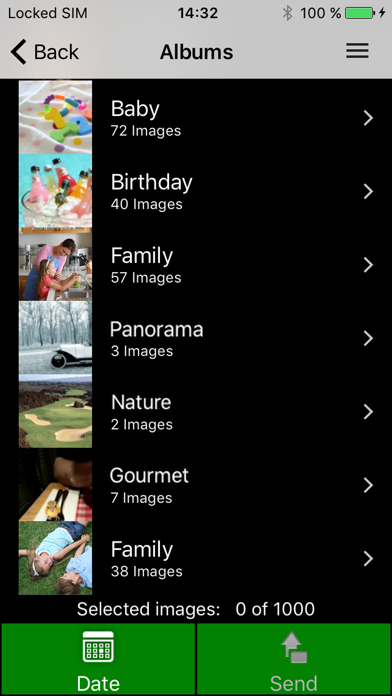
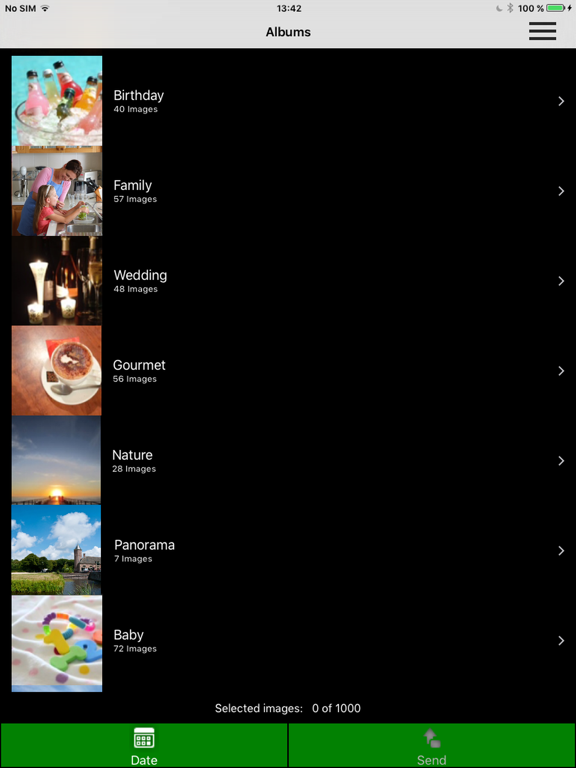
8. Check the image selection
9. Press "Transfer" at the bottom right.
10. All selected images are transferred immediately to the order-it Kiosk.
The selected images will now be transferred over the high speed Wi-Fi network directly to the FUJIFILM order-it Kiosk.

Order-it mobile Kommentarer 2026
| Appens Navn | Order-it mobile |
| Kategori | Foto og video |
| Utvikler | FUJIFILM Corporation |
| Publisert | 12 September 2014, Friday |
| Oppdatert | 26 October 2022, Wednesday |
| Filstørrelse | 16.42 MB |
😍 Elsker du appen Order-it mobile? Del med vennene dine!


Order-it mobile 3.6.1 Tips, Triks, Jukser og Regler
Vennligst vent! Order-it mobile app kommentarer laster inn...
Order-it mobile 3.6.1 App Skjermbilder og Bilder



Order-it mobile (versjon 3.6.1) Installasjon og Nedlasting
| Språk | Norsk |
| Pris | Gratis |
| Voksenvurdering | 4+ år og eldre |
| Siste Versjon | 3.6.1 |
| Play Store | com.fujifilm.orderitmobile |
| Kompatibilitet | IOS 13.0 eller nyere |


