SoSoVideo
SoSoVideo Appanmeldelser
Hva er SoSoVideo-appen? If you want to capture amazing moments from a video into images and share them with friends, SoSoVideo can help you.
Using it is very simple:
1. Click the "Load Video" button on the main screen, then choose a video from your gallery.
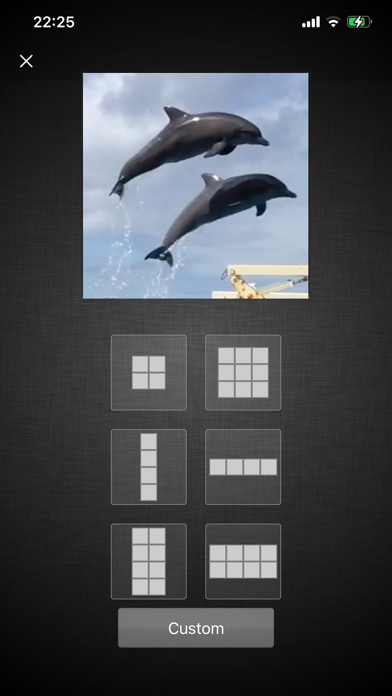
2. Select the number of frames you want to capture. You can also click "Custom" at the bottom of the screen to enter the number of frames, up to a 9x9 grid.
3. Initially, frames will be captured at equal intervals. You can adjust the time points for each frame freely.
4. After adjusting the time points, you can save or share your images. You can also click the "Effects" icon at the top right to add effects to the images.
Hope this app brings you joy.

SoSoVideo Kommentarer 2026
| Appens Navn | SoSoVideo |
| Kategori | Foto og video |
| Utvikler | Kitamura Hira |
| Publisert | 22 June 2018, Friday |
| Oppdatert | 13 August 2024, Tuesday |
| Filstørrelse | 5.17 MB |
😍 Elsker du appen SoSoVideo? Del med vennene dine!


SoSoVideo 1.4 Tips, Triks, Jukser og Regler
Vennligst vent! SoSoVideo app kommentarer laster inn...
SoSoVideo 1.4 App Skjermbilder og Bilder


SoSoVideo (versjon 1.4) Installasjon og Nedlasting
| Språk | Norsk |
| Pris | 9 NOK |
| Voksenvurdering | 4+ år og eldre |
| Siste Versjon | 1.4 |
| Play Store | jp.dreamo.Video2SequentialShots |
| Kompatibilitet | IOS 12.0 eller nyere |


