Duell Integration App Reviews

SCORE
0
TOTAL RATINGS
16

Duell Integration App Description & Overview

DUELL in Norway's leading cloud based POS system. This app let you manage products and stocks between DUELL and Shopify. In order to use the app, you need to have an active DUELL license including the API module.

Start installation process:
  1. Install the app and grant require permission to read/write product and inventory.
  2. On successful grant user redirected to app setting page where user need to fill Duell information.
  3. Take login to the Duell backoffice using provided credentials with Duell license. Enter username, password and client number.
  4. On successful authentication user redirected to the dashboard page of Duell backoffice.
  5. Navigate to the right menu or click bar icon from top right corner of the screen.
  6. Navigate to the Innstillinger > App-oppsett
  7. This page contains all details to connect the shopify store to Duell.
Setting parameters:
  1. Client number: Copy the Kundenr field value and paste to the same input box in the app setting screen.
  2. Token: Copy the Token field value and paste to the same input box in the app setting screen.
  3. Department Token: Copy the duell department token (Duell department name is used to display in screen) and paste to the department token field in the setting screen. Department token is used to manage the stock to proper Shopify location and Duell department.
  4. Shopify Location: Select the shopify location in which user want to manage the inventory either from Duell or Shopify based on master dropdown selection.
  5. Product: Select yes if you want to manage the product using duell services.
  6. Inventory: Select yes if you want to manage the inventory using duell services.
  7. Select the master source of data. Either Shopify or Duell.
    • Shopify: Product fetched from the shopify and created in Duell. If Inventory is enable, then whenever any order(including return order) placed at Duell side then it will adjust the product stock in Shopify.
    • Duell: Product created in Shopify from Duell. If Inventory is enable, then whenever any order created or refunded in shopify it will adjust the stock in Duell.
  8. Save the setting.

👏 Do you love duell integration 1 shopify app? Please share your friends!

whatsapp telegram facebook twitter pinterest email share
App Name Duell Integration
App Category Orders And Shipping
Published
App Price Free
Support E-Mail [email protected]
App Website

Duell Integration Features

Kasseservice.

Sync products

Sync products from DUELL to Shopify or from Shopify to DUELL.

Sync stock

Sync stock from DUELL to Shopify or from Shopify to DUELL.

Live update

The data sync on the fly!

Duell Integration Comments & User Reviews 2026

💸 Want to send free money abroad?

Enjoy high maximum transfers into more than 20 currencies while saving up to 90% over local banks! The cheap, fast way to send money abroad. Free transfer up to 500 USD!

Please wait! Duell Integration Facebook comments loading...

Duell Integration App Tips, Tricks and Rules

What do you think duell integration 1 shopify app? Can you share with DUELL AS company and people your complaints, experiences or thoughts about the app?
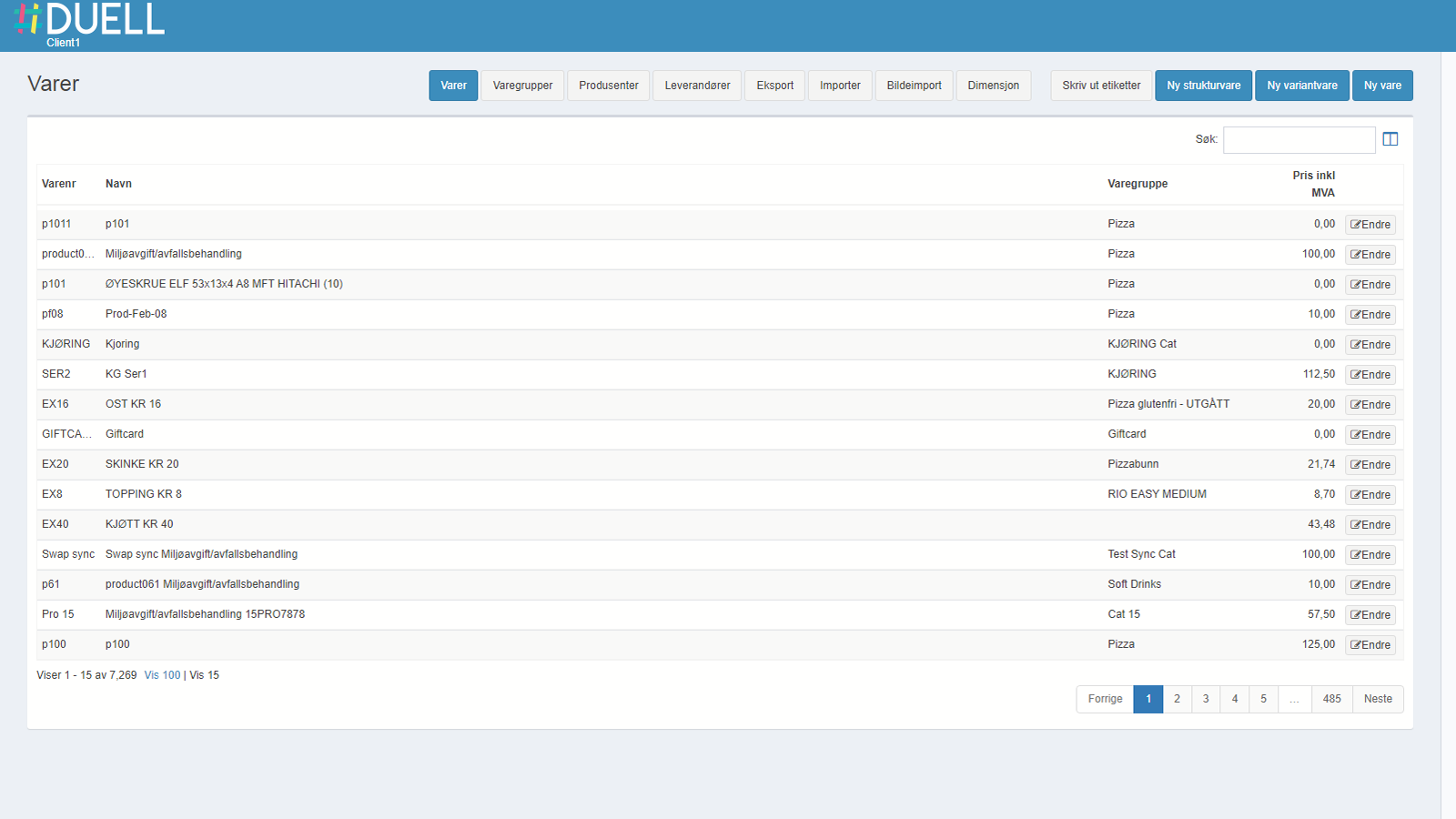
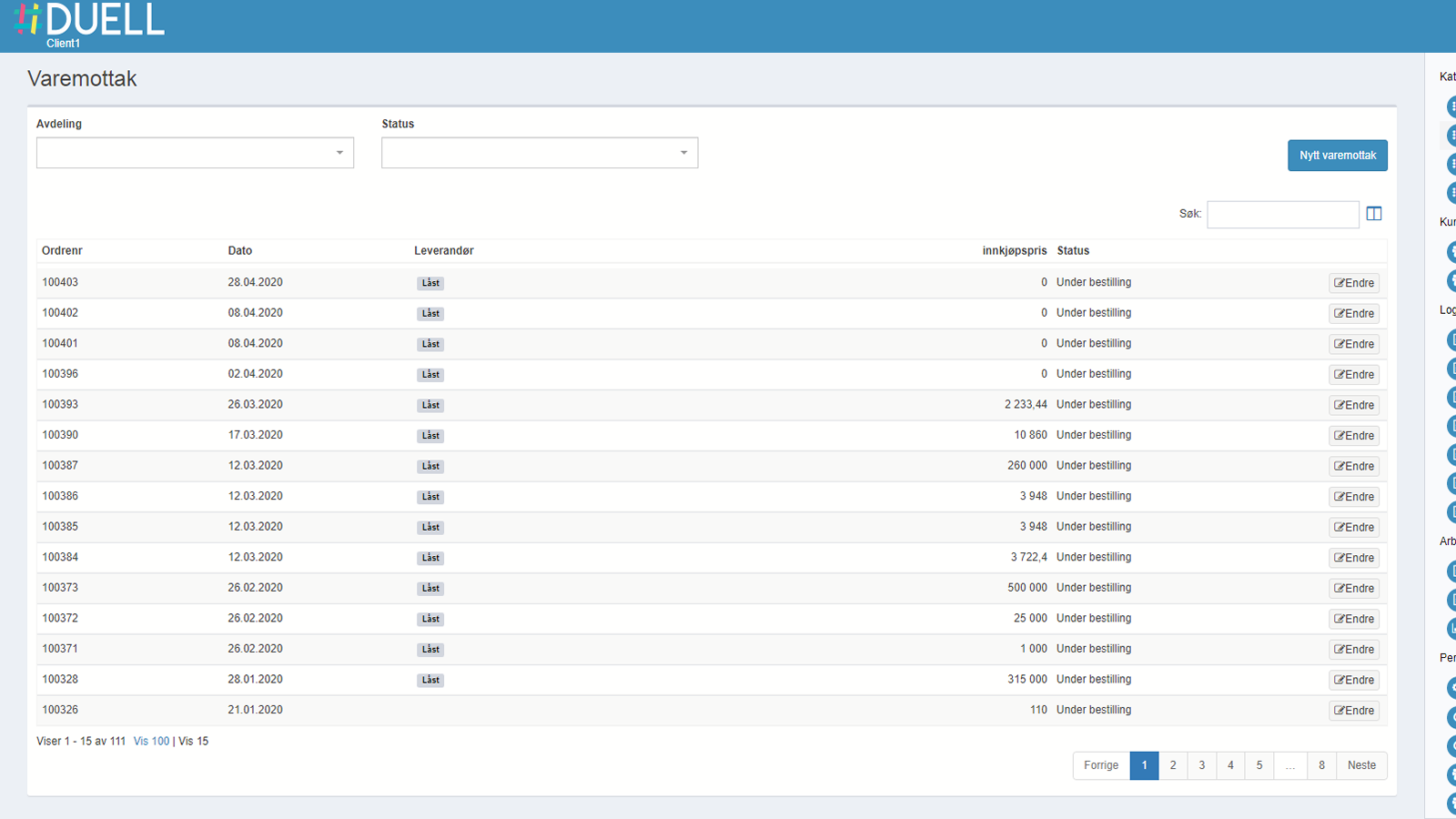
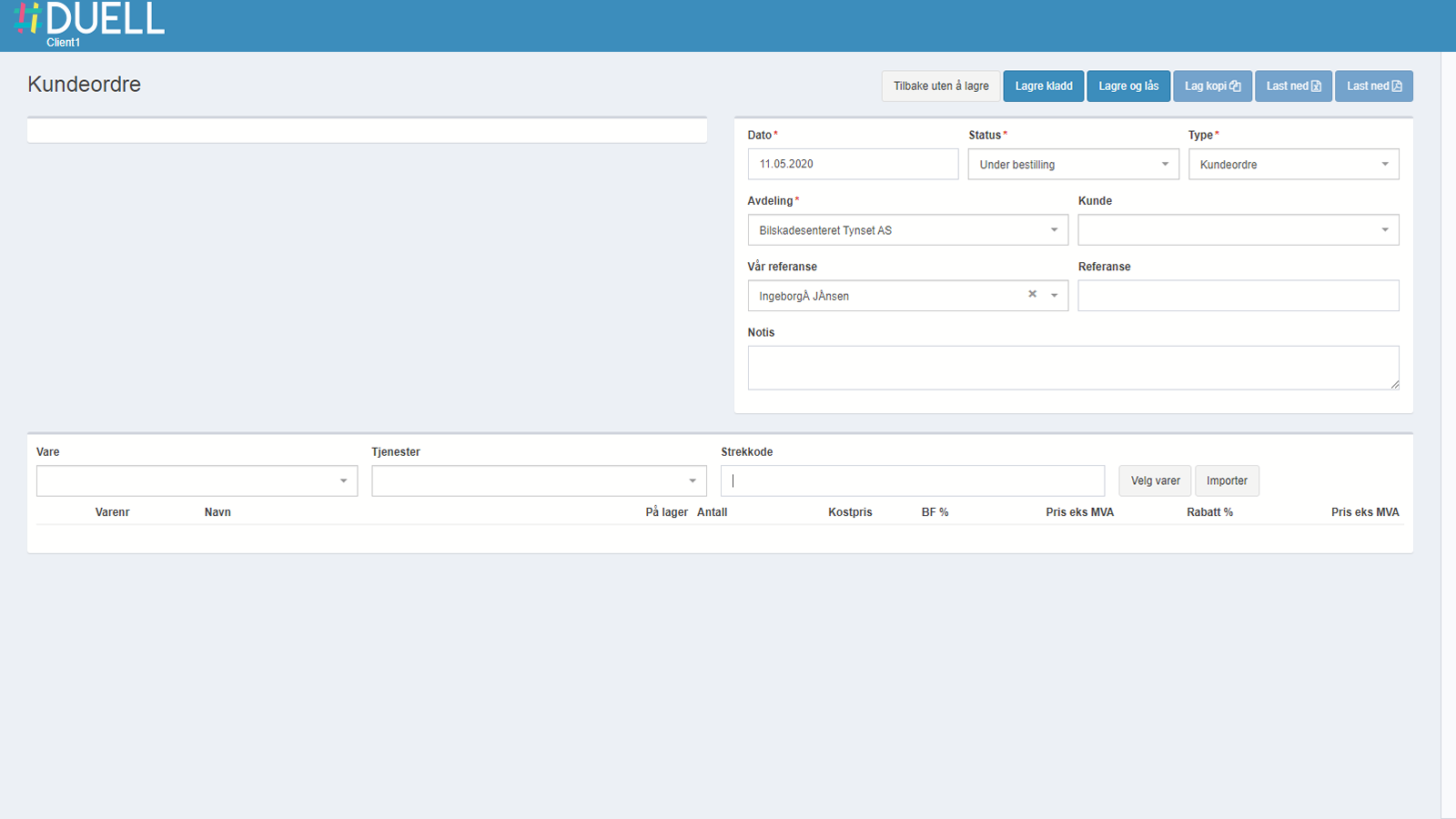
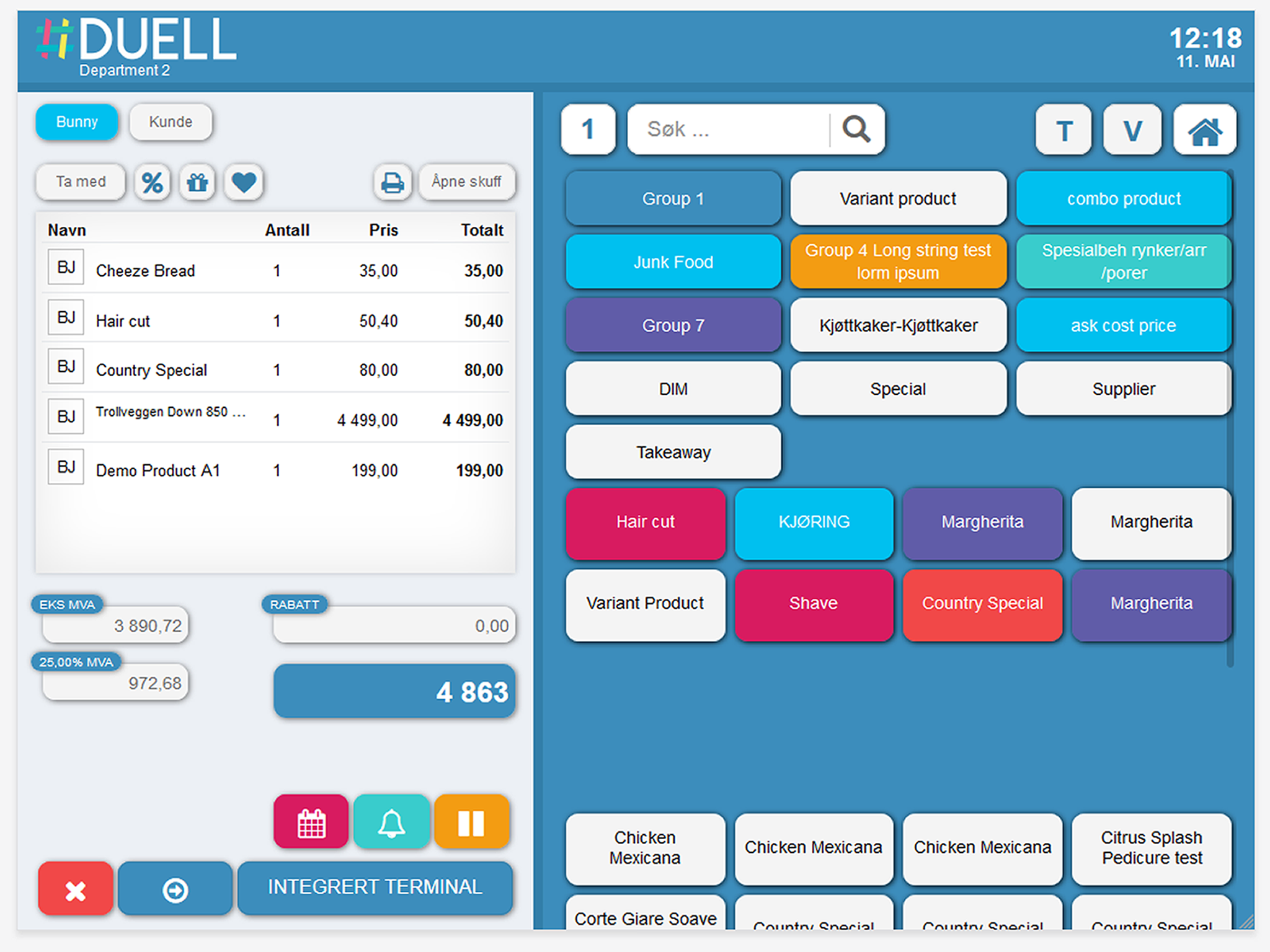
Duell Integration Screenshots & Images

Duell Integration shopify app screenshot images, pictures.

Duell Integration App Alternatives & Competitors