Microsoft Whiteboard
Microsoft Whiteboard Appanmeldelser
Hva er Microsoft Whiteboard-appen? Update : The App performance has been significantly improved & there are also a ton of other features which have been added. Check out the “What’s new” section for more details!!
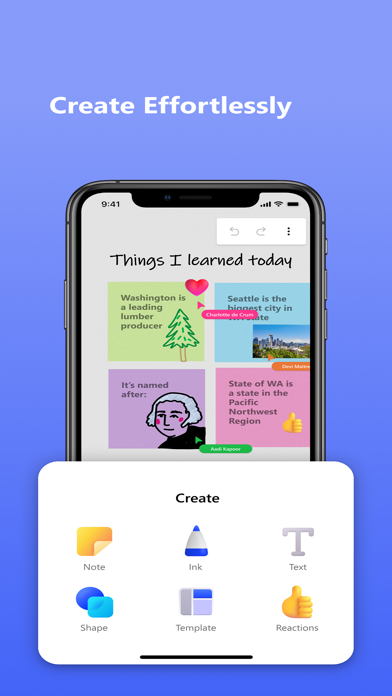
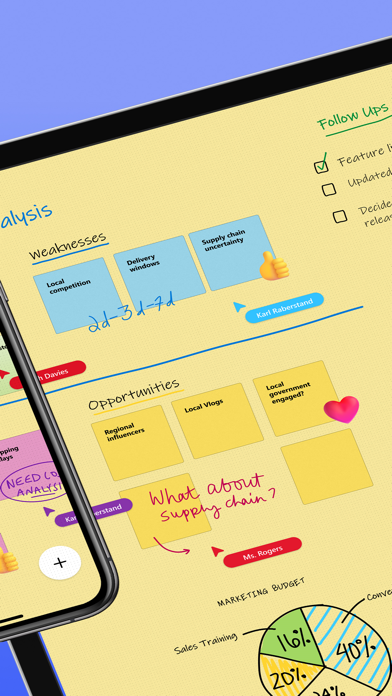
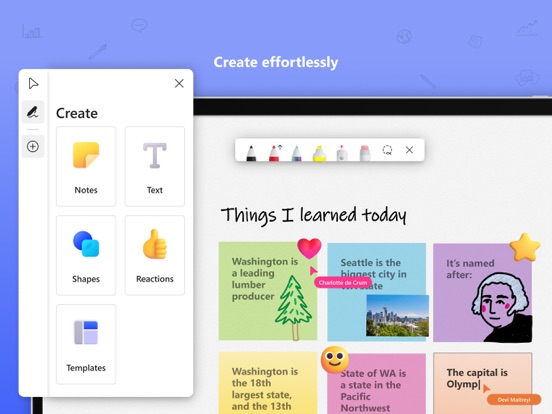
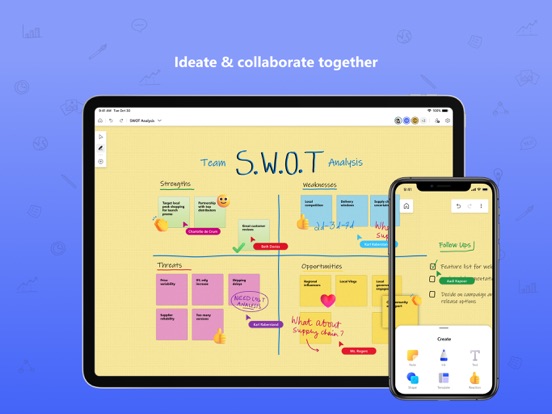
Microsoft Whiteboard provides a freeform intelligent canvas where individuals & teams alike can ideate, create, and collaborate visually via the cloud. Designed for touch, type & pen, it lets you write or draw as smoothly as you would with ink, you can even type in text, add sticky notes or notes grid to express your ideas & use reactions to visually communicate your thoughts. It enhances teamwork by allowing all team members to edit the canvas in real time, no matter where they are. Get started quickly by inserting a pre-built template or draw your own flowchart using our expansive shapes library. No matter what your use case, we have the right set of tools for you and all your work stays safe in the cloud, ready to be picked back up from another location or device.
-- Create freely, work naturally –
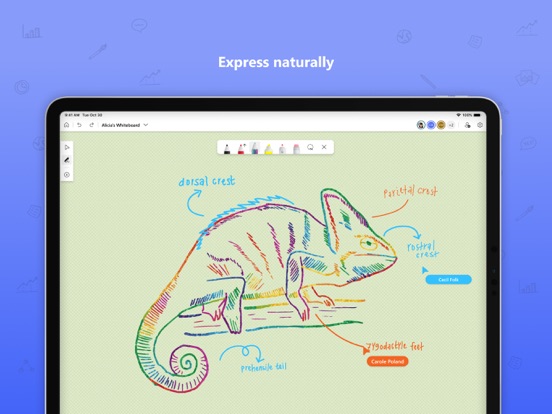
Microsoft Whiteboard provides an infinite canvas where imagination has room to grow: draw, type, add a sticky note or a notes grid, move them around – it’s all possible. The touch-first, pen-first interface frees your ideas from the keyboard, and the intelligent inking technology transforms your doodles into great-looking shapes and lines that can be copied, pasted and combined with other objects. Moreover, you can also, ink on your sticky notes & text boxes and magically see the ink get converted to text using Apple Scribble functionality (on iPads with Apple Pencil).
--Collaborate in real time, wherever you are—
Microsoft Whiteboard brings every member of a team together working from their own devices across the globe. On the Whiteboard canvas, you can also see what your teammates are doing in real time and start collaborating on the same area. It’s about getting everyone on the same page – or board.
--Save automatically, resume seamlessly –
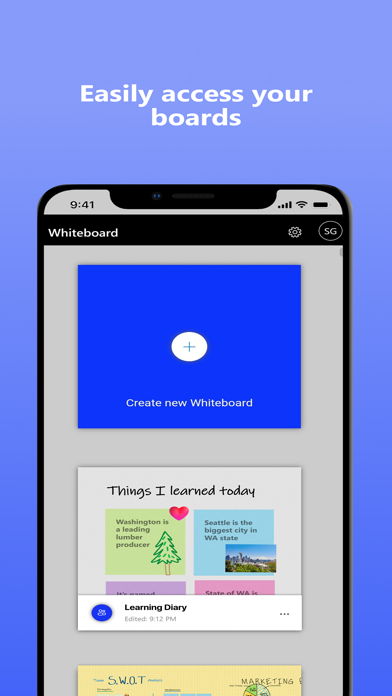
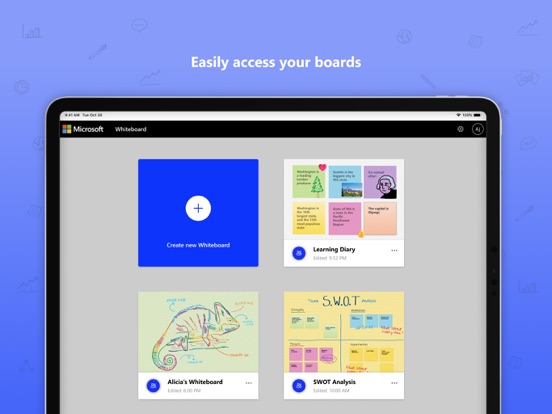
Forget having to take photos of your whiteboards, or marking them with “Do Not Erase.” With Microsoft Whiteboard, your brainstorming sessions are saved automatically to the Microsoft cloud, so you can pick up where you left off, whenever – and wherever – inspiration strikes next.
What’s new:
• Improved App Performance & Reduction in crashes which has been a strong customer ask.
• Modern look and feel:
1. Streamlined user experience - an unobtrusive app UI maximizes your canvas space.
2. Creation gallery - a highly discoverable, simple way of finding and using objects and features in the application.
• Interactive content features:
3. 40+ customizable templates – get started quickly and collaborate, brainstorm, and ideate with brand new templates.
4. Shapes & Lines - Choose from an expansive library of shapes & lines to visually collaborate & ideate with your team members
5. Reactions - provide lightweight, contextual feedback with a set of fun reactions.
• Inking features:
6. Apple Scribble – Ink on text boxes & sticky notes and see your ink strokes magically convert to text (on iPads with Apple pencil)
7. Ink arrows – smoothly draw single and double-sided arrows using ink to better facilitate diagramming.
Dichiarazione di accessibilità: https://www.microsoft.com/it-it/accessibility/declarations

Microsoft Whiteboard Kommentarer 2026
| Appens Navn | Microsoft Whiteboard |
| Kategori | Produktivitet |
| Utvikler | Microsoft Corporation |
| Publisert | 25 September 2018, Tuesday |
| Oppdatert | 15 December 2025, Monday |
| Filstørrelse | 32.14 MB |
Doesn’t work on iPad Pro. Useless:( can’t get it to work. The app just freezes and quits.
Sluggish. The app performs very sluggish compared to most other drawing apps I've used. Even scrolling through the project list feels slow, the sync feature is terrific
Love the App, but hate the freeze. Unfortunately the MS Whiteboard app constantly freezing on my iPad Pro. I love the app and I’m using it both on Win 10 and on my iPad Pro. However, the constantly freeze-ups on my iPad Pro makes it almost impossible to use. Please provide a fix, cause I’m not the only one to have this problem with the app.
Får ikke logget på. Krever Auth app for å brukes. Appen er på annen enhet. Men kan ikke engang åpne WB uten den. For dårlig.
Not working. This app just freezes the iPad nothing working on iPad! It Shows an alert on the main screen that says the app want to send my information to somewhere this alert who freezes the screen of iPad until I hard resetting the iPad to remove it from my iPad Pro 2021! So sad to get like this situation
Useless on iPad Pro. Keeps crashing all the time. Miro is miles ahead of this crap.
Close. I love the simplicity and the effectiveness of this application. However, it is near impossible to use effectively with a pen and resting your hand on the screen. Please finish the integration with the Apple Pencil so I can use this and you will get five stars from me 🤩 Also, endless paper would be nice as well.
Doesn’t work. Not working with work account
Good but not great. Whiteboard is a good whiteboard app, but there's a few things I really miss: 1 - Please give us "endless" paper. I would love the ability to zoom in and out "endlessly" as this is very practical when brainstorming or working with large models. 2 - Where's the apple TV app? I know I can use air-play, but that comes with black bars on both sides of the picture. A much better solution wold be an apple TV app showing a live mirror of what is happening on the ipad on the "endless" paper, which means no more black bars. Another great bonus would be the ability to browse saved whiteboards directly on the TV. 3 - Last but not least, where's the full apple pen integration?
😍 Elsker du appen Microsoft Whiteboard? Del med vennene dine!


Microsoft Whiteboard 25.11204.0.9201 Tips, Triks, Jukser og Regler
Vennligst vent! Microsoft Whiteboard app kommentarer laster inn...
Microsoft Whiteboard 25.11204.0.9201 App Skjermbilder og Bilder

Microsoft Whiteboard (versjon 25.11204.0.9201) Installasjon og Nedlasting
| Språk | Norsk |
| Pris | Gratis |
| Voksenvurdering | 4+ år og eldre |
| Siste Versjon | 25.11204.0.9201 |
| Play Store | com.microsoft.whiteboard |
| Kompatibilitet | IOS 17.0 eller nyere |