Photo Art Painter
Photo Art Painter Appanmeldelser
Hva er Photo Art Painter-appen? Step into the world of artistic expression with Photo Art Painter, where transforming ordinary photos into extraordinary works of art is a breeze. Our innovative tools offer an array of options, from oil painting to digital pattern displacement, allowing you to unleash your creativity and turn your images into captivating masterpieces. With intuitive controls and a plethora of features, you can effortlessly paint your photo with precision and finesse. Experience the joy of artistic creation in minutes and share your stunning creations with the world.
Transforming your photos into captivating works of art has never been easier than with Photo Art Painter! Our innovative tools allow you to seamlessly convert your images into stunning oil paintings or mesmerizing digital patterns. With just a few taps, pixelated details are replaced by intricate brush strokes, resulting in breathtaking masterpieces that reflect your unique style.
Experience the joy of creating photo art in minutes, exploring endless possibilities limited only by your imagination. Simply select your desired brush style and adjust the brush size to suit your vision. Start with broad strokes using a large brush size, then refine the details with smaller sizes to add intricate touches.
Features:
• Control brush size with precision
• Choose from 25 preset brush styles
• Select background color: black or white
• Toggle random rotation, opacity, and size for dynamic effects
• Pinch to zoom and pan for detailed painting
• Preview button toggles between photo and paint modes
• Undo/redo functionality for easy corrections
• Record your painting process for captivating time-lapse videos
• Erase mode and canvas clear option for fine-tuning
• Works seamlessly on both iPhone and iPad.
• Lightweight, compact app optimized for everyday use.
• Ad-free and built with privacy in mind.
Quick Guide:
1. Load your desired image from the photo library
2. Select your preferred brush shape
3. Adjust brush size to start painting (try sizes larger than 70)
4. Paint the canvas with broad strokes
5. Refine details using smaller brush sizes (try sizes smaller than 30)
6. Switch to sizes smaller than 10 for intricate details, turning off random opacity and scale
7. Repeat steps 5-6 until you achieve your desired result
Tips:
• Begin with larger brush sizes for swift painting, then switch to smaller brushes for detailing
• For precision detailing, use brush sizes smaller than 10 and disable random opacity and scale
Capture your creative process by recording your painting journey, and save your final masterpiece to your camera roll for sharing with family and friends or printing as stunning art prints.
Unlock your artistic potential with Photo Art Painter today.
Thank you for your support, and be sure to explore nitrio.com for more exciting apps for your iOS devices!

Photo Art Painter Kommentarer 2026
| Appens Navn | Photo Art Painter |
| Kategori | Foto og video |
| Utvikler | Heng Jia Liang |
| Publisert | 15 September 2015, Tuesday |
| Oppdatert | 30 January 2026, Friday |
| Filstørrelse | 2.73 MB |
😍 Elsker du appen Photo Art Painter? Del med vennene dine!


Photo Art Painter 2.3 Tips, Triks, Jukser og Regler
Vennligst vent! Photo Art Painter app kommentarer laster inn...
Photo Art Painter 2.3 App Skjermbilder og Bilder
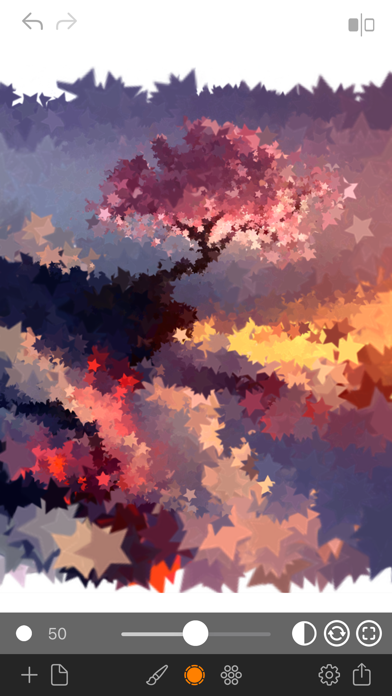
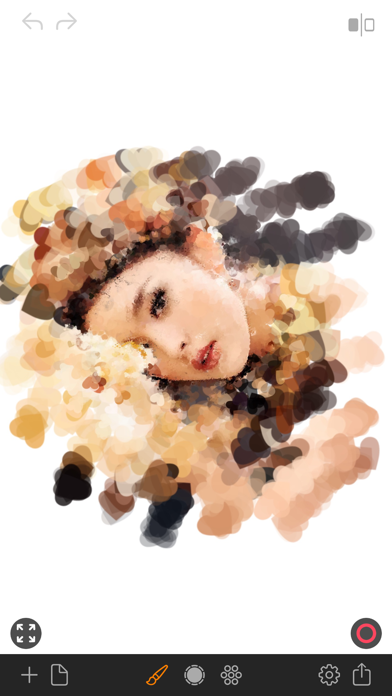
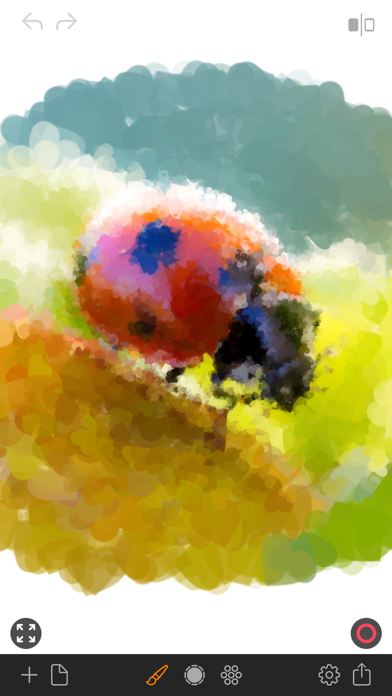
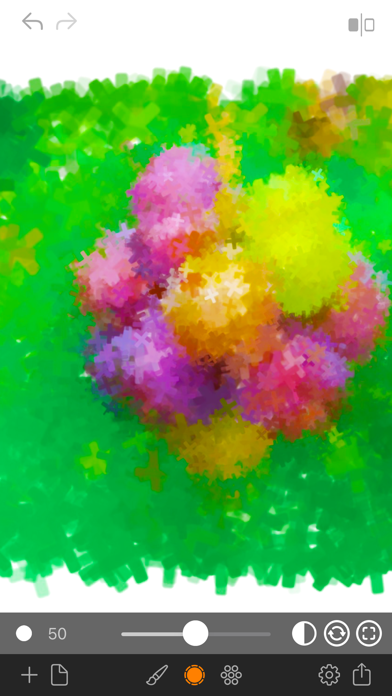
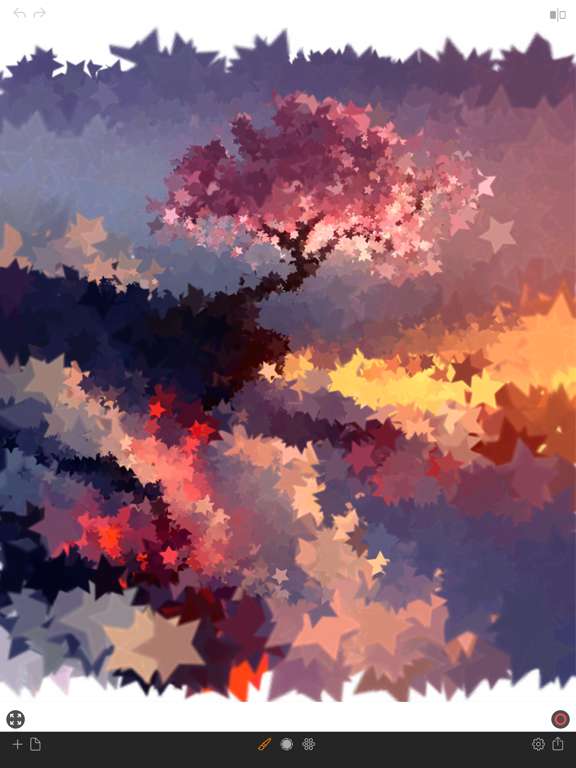
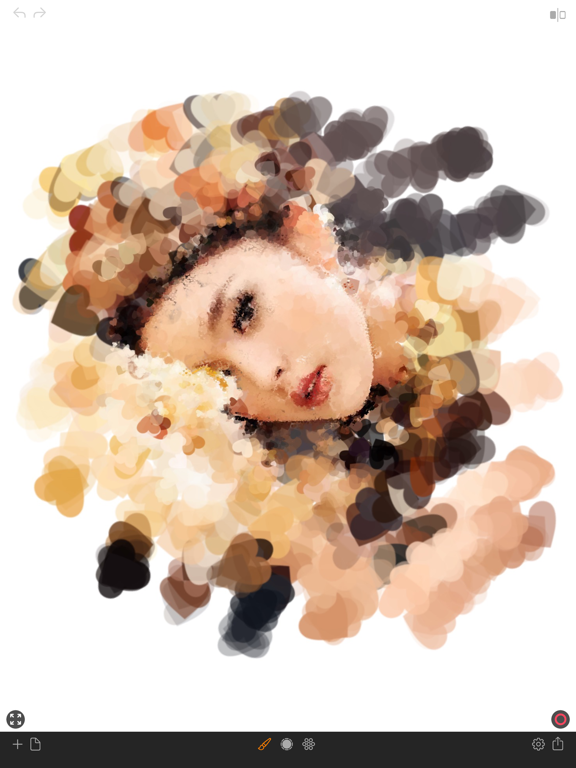
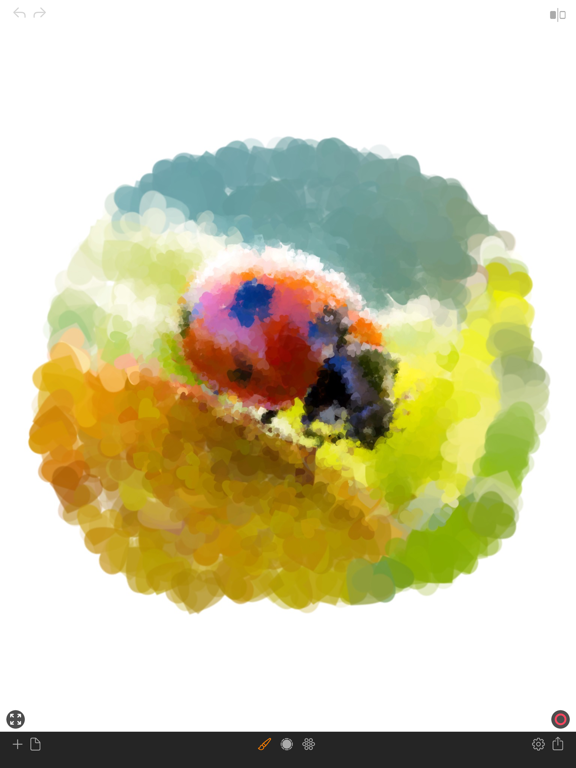

Photo Art Painter (versjon 2.3) Installasjon og Nedlasting
| Språk | Norsk |
| Pris | 49 NOK |
| Voksenvurdering | 4+ år og eldre |
| Siste Versjon | 2.3 |
| Play Store | com.nitrio.photoartpainter |
| Kompatibilitet | IOS 13 eller nyere |


